
Key takeaways
- Ask Maps allows for conversational, multi-layered queries rather than static keyword searches.
- You can now plan complex, multi-stop trips by simply describing your day to the AI.
- Privacy settings remain under your control within your Google account dashboard.
- Specific queries about local business attributes yield much better results than broad searches.
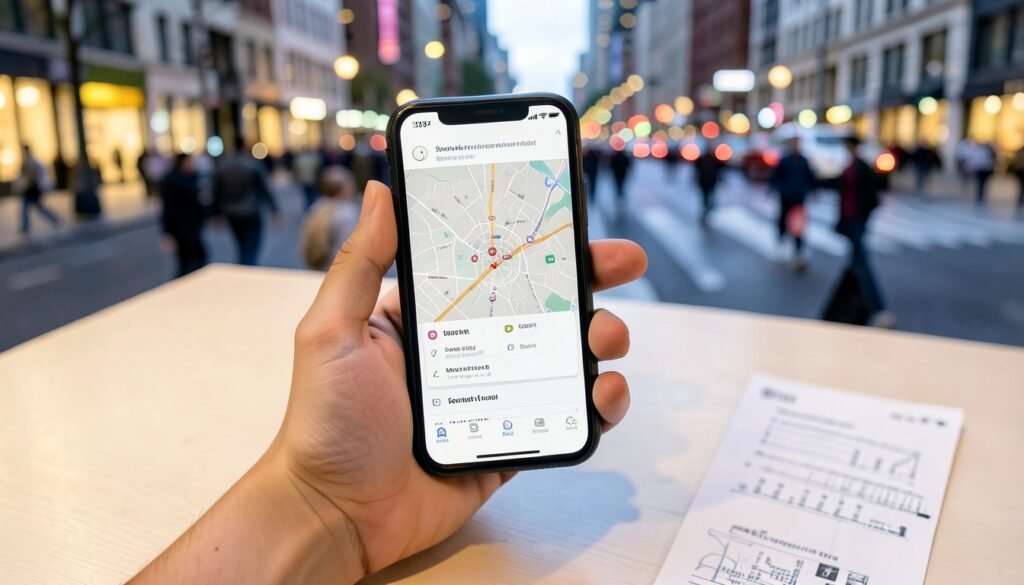
Ever spent 20 minutes in Bangalore traffic trying to find a cafe that’s actually wheelchair-accessible, only to reach a place that’s far too loud for a meeting? We’ve all been there. Instead of jumping between multiple search tabs, you can now use Google Maps Ask Maps to do the heavy lifting for you. By leveraging Gemini AI navigation, this feature allows you to have a real back-and-forth conversation with your map to refine your search based on atmosphere, parking, or specific accessibility needs.
In this guide, we’ll show you how to use these smart trip planning tools to save your sanity. If you’re also looking to boost your productivity elsewhere, you might want to Edit Google Docs, Sheets & Slides with Claude in 5 Easy Steps. Recent reports from androidauthority.com suggest that Google is even working on ways to share these conversations, making group outings much easier to coordinate. Let’s dive into making your daily commute smarter.
Understanding the Ask Maps Interface
Remember when you had to hunt for specific keywords like "best quiet cafes in Indiranagar"? You would scroll through endless lists, checking individual reviews one by one to see if they actually suited your mood. That manual slog is changing. With Ask Maps, Google is moving from rigid keyword matching to a conversational flow powered by Gemini.
When you type a query, Gemini does not just look for matches; it interprets your intent. If you ask for a place with "reliable Wi-Fi and ample parking for an SUV," the AI analyzes location data, user reviews, and even uploaded photos to provide a tailored summary. This is not just a list of pins on a map. It is an AI-generated synthesis that saves you the trouble of clicking into every business profile. Think of it like having a local friend who knows the city’s quirks, much like how you might use How to Use Google Gemini’s Hold for Me to Automate Business Calls to handle logistics elsewhere.
Visually, you will notice the search bar now invites natural language. Results appear as a conversational response rather than a static grid of businesses. You get a descriptive paragraph that highlights why a place fits your criteria. It feels less like a database search and more like a helpful nudge in the right direction. It is a clean shift that respects your time, especially during a chaotic commute.
Getting Started: Activating Gemini in Maps
Start by making sure your Google Maps app is fully updated. Head over to the Google Play Store, search for "Google Maps," and hit "Update" if you see the option. Honestly, once I started using this feature, I stopped leaving the app to do extra research on local spots msn.com.
To get Gemini working, ensure you are using a personal Google account. If you are signed in with a Workspace account managed by your office or school in India, this feature is often restricted. Once your account is set, check your Maps settings. You may need to opt into the "Generative AI" or "Ask Maps" experimental features directly within the app menu to flip the switch.
Can’t see the button? Try these quick fixes:
- Force-close the app: Swipe it away from your recent apps list and relaunch it.
- Clear the cache: Go to your phone’s settings, find "App Info" for Maps, and clear the cache to resolve UI glitches.
- Check permissions: Ensure location access is set to "Allow all the time."
If the button still refuses to show up, your specific account might not be in the current rollout phase. Be patient; these AI features typically arrive in waves across India.
Finding Specific Local Services
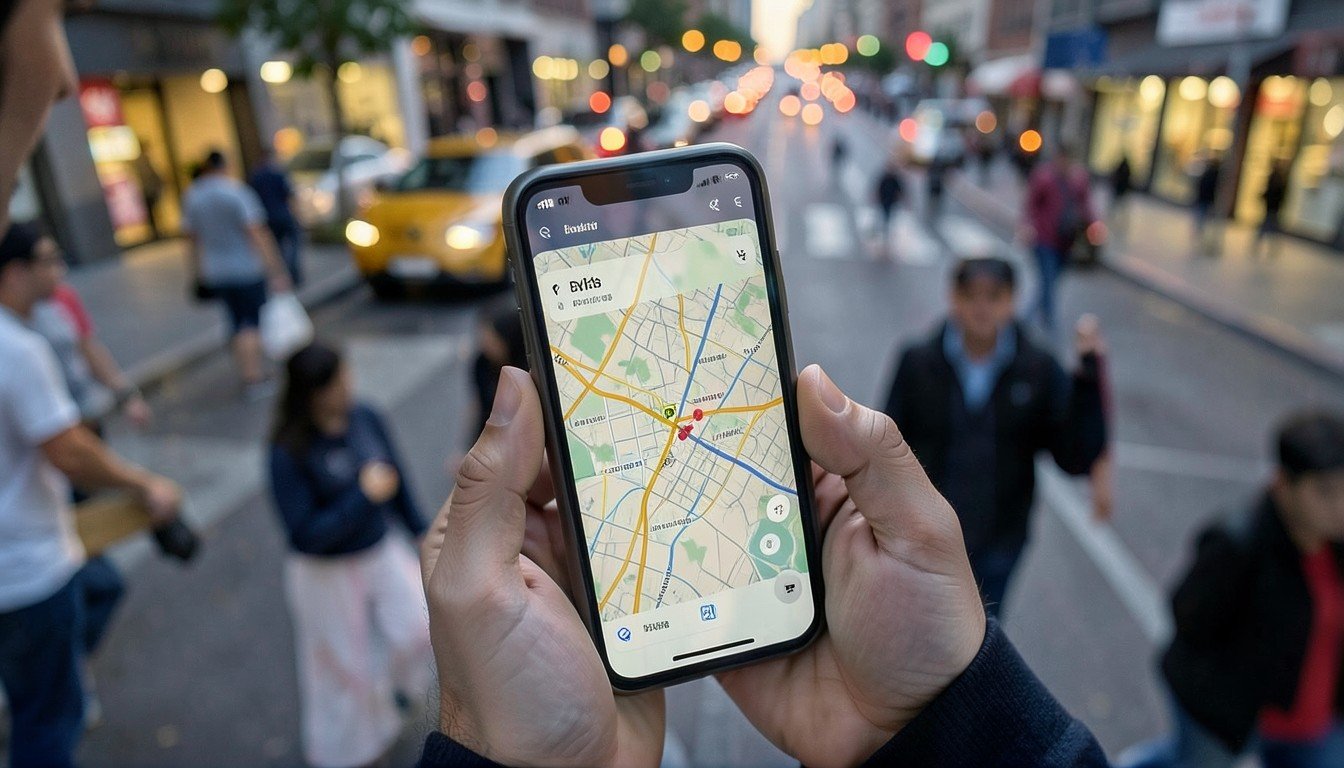
Finding a needle in a haystack—like a truly quiet cafe with reliable Wi-Fi in a bustling neighborhood like Indiranagar—used to require toggling between three different apps. Now, with Ask Maps, you simply describe exactly what you need. You can type, "Find me a quiet cafe in Indiranagar with fast Wi-Fi and power outlets," and the AI parses the reviews to identify spots that actually match your needs, rather than just showing the most popular ones.
Refining your results is where the real power lies. If the initial suggestions are too crowded or lack parking, don’t just search again. Ask follow-up questions like, "Which of these have dedicated parking for cars?" or "Filter these by a rating of 4.5 or higher." It’s like having a local assistant who has visited every corner of the city.
You can even ask for specific attributes hidden in user feedback. If you are worried about noisy environments, try asking, "Summarize the reviews for these cafes to see which ones are actually good for working without loud music." This level of precision saves you from walking into a spot only to find it’s a chaotic party zone.
Practical Tip: Need to burn the midnight oil? Ask, "Show me cafes near me that are open after midnight and have comfortable seating for studying."
Just like how you might use Production‑Ready Prompt Engineering with Snowflake: A Practical Guide to handle complex data, treating your map queries with specific parameters yields much smarter, faster results.
Planning Multi-Stop Trips Efficiently
Imagine you are stuck in Bangalore traffic and need to finish three errands without losing your mind. Instead of manually dropping pins on the map, simply tell Ask Maps what you need to do in a single sentence. You can type, "Plan a route for my evening errands: pick up my daughter from school in Indiranagar, stop at the pharmacy, and grab groceries at a store that is open past 9 PM."
Gemini does not just list these stops; it sorts them logically. By asking it to prioritize your route based on current traffic patterns, you avoid the frustration of crossing town twice during peak hours. If you specify your time constraints—like needing to reach the school before the gates close—the AI suggests an order that keeps you moving efficiently. This is far better than guessing the shortest path yourself.
Pro tip: If you find a perfect, time-saving route for a recurring weekly chore, keep an eye out for updates. According to sammyguru.com, Google is working on ways to share these entire Ask Maps conversations. Soon, you will be able to ping your optimized route directly to a family member or colleague. Just remember, the more specific you are about your priorities—like "no heavy traffic" or "must have parking"—the better the AI handles your complex, multi-stop commute through our chaotic city streets.
Handling Complex Queries for Better Context
Driving on Indian roads often feels like a puzzle, especially when major construction projects shut down key intersections. Instead of just searching for a destination, try asking, "Show me a scenic route to South Delhi that avoids the Metro construction work on the main arterial road." The AI processes these nuances to keep you moving when standard GPS might just leave you stuck in a bottleneck.
You can also refine your plans for specific group needs. If you’re organizing a weekend outing, prompt the app with, "Find a budget-friendly, family-friendly cafe in Indiranagar that has ample parking." By adding these constraints, you stop wasting time on places that simply don’t fit your requirements.
When the AI gives you a few options, don’t just pick the first one. Ask it to "compare these three restaurants based on their quiet atmosphere and menu variety." Think of this as Fine-Tuning LLMs for Production: A Practical Guide, but for your personal travel style—you’re teaching the model what you actually value.
Finally, here is a pro tip for your next weekend plan: ask, "Find places nearby that are not too crowded on a Sunday." It’s a simple way to avoid the typical weekend rush at popular malls or heritage sites, letting you enjoy a peaceful outing instead of fighting for space.
Privacy and Data Usage
When you chat with Ask Maps, remember that your queries and the places you look up are processed by Gemini to provide specific recommendations. While this makes planning easier, your location history and search activity are the primary inputs for these responses. If you are worried about what Google keeps, head to your Google Account settings and check "Web & App Activity." Here, you can toggle off or delete your history whenever you like.
If you prefer that your interactions are not used to train Google’s AI models, you can opt out through your privacy settings. Since reports from androidauthority.com indicate that Google is testing ways to share these conversations publicly, you should be extra cautious. Always keep your home and work addresses private. Never share a public link to a chat that contains sensitive details about your daily routine or your exact home location.
For Indian users, I suggest keeping your "Location History" paused if you value total privacy. You can still use Maps to find your way, but your movements will not be stored to personalize your AI search results. It is a simple tradeoff: convenience versus total data control.
Common Mistakes and Troubleshooting
If you ask a vague question like "show me restaurants in Delhi," you will get a generic list. Instead, be specific. Tell the AI you want "family-friendly North Indian restaurants with rooftop seating in Hauz Khas Village." Precision saves you from scrolling through dozens of irrelevant options. Think of it like using other AI tools; just as you might refine your prompt for How to Try On Clothes Virtually with ChatGPT – Step‑by‑Step Guide, getting the best output from Ask Maps requires context.
Sometimes, the AI might miss a brand-new shop or a small local stall. This happens because Gemini relies on verified data points. If a business hasn’t updated its Google Business profile, the AI simply won’t see it. If you spot a factual error, don’t just ignore it. Use the feedback buttons—the thumbs-down icon usually lets you report an incorrect suggestion. This small action helps train the system for everyone else.
Finally, remember that Ask Maps requires an active data connection to process your requests. If you are stuck in a basement parking lot or a remote area with spotty 4G, the AI won’t be able to "think." For these moments, always keep your offline maps downloaded. It is better to have your route saved locally before you lose bars. If the app feels sluggish, check if your connection is stable; otherwise, you are just wasting your time querying an AI that cannot reach the server. Keep it simple, specific, and always have a backup.
Tips for Indian Road Conditions
Ask Maps isn’t just for finding tourist spots; it is a lifesaver in chaotic Indian cities. You can specifically prompt for wider roads if you are driving a larger vehicle or want to avoid areas notoriously prone to waterlogging during the monsoon season. Simply ask, "Suggest a route from Bandra to Colaba that avoids narrow lanes and water-prone streets." It is a practical way to manage the unpredictability of our city roads.
When you are commuting in cities like Bengaluru or Delhi, use the tool for transit-specific advice. Try asking, "Find me a route using metro and bus connectivity from Indiranagar to HSR Layout that avoids major traffic junctions." This helps you avoid generic "fastest" routes that often lead into construction-heavy bottlenecks.
Indian addresses can be tricky. Instead of struggling with house numbers, use local landmarks. Tell Gemini, "Find me a cafe near the old banyan tree landmark in Jayanagar." As highlighted on msn.com, keeping your research in one place saves you from switching tabs.
Tip: Always double-check suggested routes against real-time traffic alerts. Even smart AI cannot predict sudden protests or vehicle breakdowns.
Watch: How to use new Google Maps Ask feature
Frequently Asked Questions
Is Ask Maps available for all Google Maps users in India?
Google is gradually rolling out the Ask Maps feature, so availability can vary based on your specific device, app version, and account status. Check if you see the Gemini-powered search option directly under your standard Maps search bar. If it isn’t appearing yet, keep your app updated via the Google Play Store, as Google often releases these AI tools in stages across regions like India.
Does Ask Maps cost money to use?
Currently, Google provides Ask Maps as a free feature within the Google Maps app. You do not need a separate subscription to access these AI-powered conversational search tools. It is part of the standard experience, though Google may introduce different premium Gemini features elsewhere in their ecosystem later. For now, plan your weekend trip to Lonavala or local errands without worrying about extra costs.
Can I use Ask Maps offline?
No, Ask Maps requires an active internet connection to function. Because the tool relies on Gemini’s AI to process your complex queries and pull real-time data, it cannot run while you are offline. If you are traveling through areas with poor network coverage, remember to download your offline maps for basic navigation, but wait until you have a stable 4G or 5G signal to use AI search.
How does Gemini handle my personal location data?
When you use Ask Maps, your queries are processed by Google’s systems to provide relevant local suggestions. Google offers tools to manage your history, and they are reportedly testing a "Delete all" option for chat logs within the app. Always review your Google Account’s privacy settings to control what location data you share and how long your specific search history is retained by the service.
Making Ask Maps Work for Your Commute
Honestly, Ask Maps is more than just a shiny button. In cities like Bengaluru or Mumbai, where a "quick" route can easily turn into a two-hour ordeal, having an AI that understands local context is genuinely helpful. You can ask for a cafe with a quiet corner to work or a wheelchair-accessible route through a crowded market, and the results are surprisingly relevant.
While we wait for features like sharing entire conversation links—which will be a massive time-saver for planning weekend outings with friends—the current version is already quite capable. Just remember that AI is a tool, not a replacement for your own judgment on our unpredictable roads. If you are curious about the engine behind these updates, check out Google Gemini 4 Argon: What Indian Users Must Know to see how the model handles your specific requests. My advice? Start by asking it for a complex itinerary today and test its limits.
Sources and further reading
- Google Maps could give Ask Maps a key chat-sharing upgrade — androidauthority.com
- Google Maps Could Soon Let You Share Entire Ask Maps Conversations — sammyguru.com
- I stopped leaving Google Maps to research places because Ask Maps does it now — msn.com



Discussion