

Key takeaways
- ChatGPT’s visual try‑on works on Android, iOS and desktop with a simple camera permission.
- Good lighting and a plain background dramatically improve fit accuracy.
- You can shop directly from the overlay using Indian payment methods like UPI.
- Free users can try a limited number of outfits per day; pricing and limits for paid plans were not confirmed at the time of writing.
- All uploaded photos can be deleted from your ChatGPT history at any time.
We have all been there: staring at a pair of jeans online, wondering if the cut will actually suit us or just gather dust in the cupboard. OpenAI has officially rolled out a ChatGPT virtual try on feature globally, which helps you preview clothes and accessories using your own photos before making a purchase. It is a practical shift for anyone tired of the hassle of returns. In this guide, I will walk you through how to use these visual tools, from uploading your images to interpreting the AI-generated fit. If you are curious about the technical side of how AI learns to process these images, you might want to read our piece on Fine-Tuning LLMs for Production: A Practical Guide. As reported by zeebiz.com, this feature is now live for users, so grab a cup of chai and let’s get your wardrobe sorted.
What the Virtual Try‑On Feature Is and Who Needs It
Ever stared at a shopping cart on a site like Myntra, hesitant to hit ‘buy’ because you aren’t sure if that kurta will actually hang right on your frame? We’ve all been there. Reports from October 2026 indicate that ChatGPT launched a new virtual try‑on feature, effectively turning your chatbot into a digital fitting room.
For Indian shoppers, this matters. Between inconsistent brand sizing and the logistical nightmare of processing returns, anything that helps us visualize the fit before payment is a win. It feels like a natural evolution of the tech we already use, like Lenskart’s AR for frames or Myntra’s existing virtual try‑on tools. However, ChatGPT’s approach is conversational and generative, meant to handle a wider variety of apparel by analyzing your specific photos.
If you are building your professional workflow, you might also want to look at 5 AI Tools Every Freelancer Needs in 2026. It is a great way to save time elsewhere. Ultimately, this isn’t just about fun; it’s about reducing the frustration of online shopping in a country where ‘medium’ can mean three different things depending on the brand.
Preparing Your Device and ChatGPT Account
Before you start testing that new kurta or jacket on your phone, let’s make sure your tech is ready. OpenAI’s rollout has been covered by reports such as deccanherald.com.
First, ensure you have the latest version of the ChatGPT app installed. On Android, head to the Google Play Store; on iPhone, use the Apple App Store. Updating the app helps you get the visual features if they are available for your device.
Next, check your internet connection. A stable connection helps the photos upload quickly and reduces the chance of errors. Finally, grant ChatGPT permission to access your camera and photos in your phone’s privacy settings. If you skip this, the AI won’t be able to “see” your style choices. Pro tip: clear your cache if the app feels sluggish after updating.
Activating the Visual Mode in ChatGPT
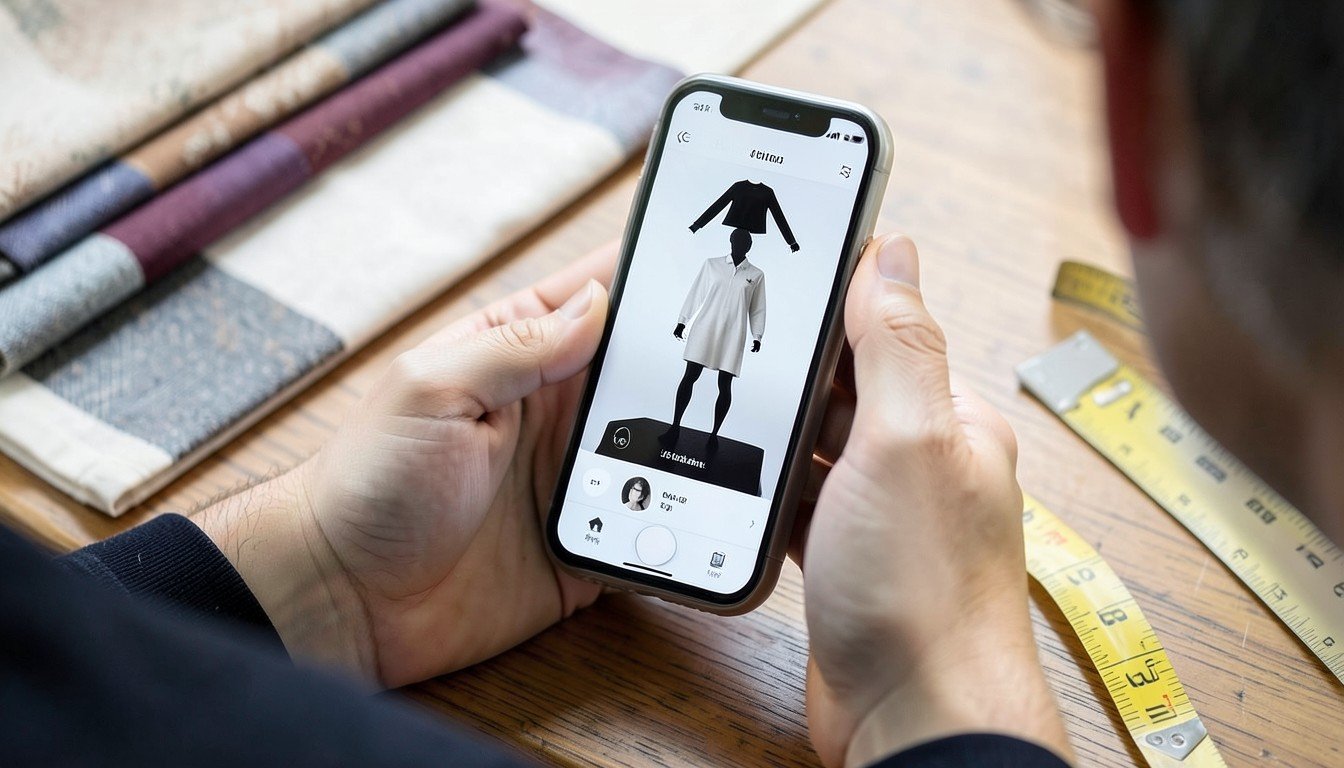
To get started, open your ChatGPT app and launch a fresh chat session. Look for the “Visual” tab—it is usually tucked near the attachment icon. Tap that, and select “Try On Outfit” from the menu. It is as straightforward as checking out the Oppo Reno11 F Series Lands in Malaysia: 108MP Camera Star for its camera specs.
Once you are in, the app asks how you want to provide your base image. You can either upload a high-quality selfie from your gallery or use your live camera for an instant capture. I personally prefer a well-lit photo from my gallery, as it gives the AI a cleaner foundation to work with.
After the photo is set, you will see prompts to define your preferences. Input your gender, body type, and desired style filters to help the model refine the fit. Don’t worry if you are not sure about the specific style labels; the interface guides you through simple categories like “casual,” “ethnic,” or “business formal.” Getting these basics right is the secret to avoiding weird proportions later. Once your profile is locked, you are ready to start picking items to wear.
Uploading Your Photo Correctly
To get the best result with the new virtual try‑on feature mentioned at wionews.com, your photo is everything. Think of it like taking a passport picture rather than a casual mirror selfie.
Lighting and Pose
Avoid standing with a window directly behind you; the harsh glare can confuse the AI’s ability to map fabric correctly. Instead, face a window or a well‑lit wall in your living room to ensure even illumination on your torso. Stand straight with your arms slightly away from your body—this helps the tool identify where your waist and shoulders actually are. A plain, neutral‑colored background works best, as it prevents the software from getting confused by busy home decor or wall patterns.
Fix Those Common Glitches
- Blurry shots: If the image looks fuzzy, the AI will struggle to render textures. Always wipe your phone lens with a soft cloth before snapping.
- Low resolution: Ensure you are in a bright room so your camera doesn’t resort to grainy digital noise.
- Cropping: Capture your full body from head to toe for the most accurate overlay.
If your first attempt looks strange, try moving closer to a light source. A simple, crisp photo saves you from endless re‑uploads.
Selecting Clothing Items to Try On
Once your photo is uploaded, you need to pick what you want to wear. Use ChatGPT’s conversational interface to browse items that fit your budget. For example, you could type, “Show me lightweight summer dresses under ₹2,000,” and the bot may fetch options from its database. The rendering quality can feel surprisingly lifelike—almost as detailed as what you would see in a Midjourney V7 Review: Best AI Image Generator Yet?.
Shopping from Partner Retailers
ChatGPT may integrate with major platforms like Myntra and Ajio. When you search, the AI sometimes displays cards featuring these items, which can include direct purchase links, making the transition from “trying” to “buying” quicker than manually searching through a store’s inventory.
Uploading Custom Items
Found something you love on a niche website that isn’t listed? You can still try it on. Simply copy the product image URL and paste it into the chat. ChatGPT will analyze the clothing and attempt to overlay it onto your uploaded photo.
Tip: Always use high‑resolution product images for custom uploads. If the source image is blurry, the final render will look like a messy Photoshop job from 2005.
Interpreting the AI‑Generated Fit
When you see the virtual overlay on your photo, remember it’s an AI estimation, not a perfect mirror. According to zeebiz.com, the feature is designed to give you a preview of how items look on your body. However, the software might struggle with subtle fabric drape—silk, for instance, may not mimic its real‑world flow perfectly.
Pay close attention to color accuracy. If your selfie was taken in dim yellow light, the shirt might appear warmer than it actually is. Use the “Adjust Size” slider to toggle between different fits. It’s useful for seeing if an oversized kurta looks boxy or just right.
- Pro‑tip: Never abandon the brand’s official size chart.
AI is great for visual styling, but it cannot measure your shoulders or inseam like a tailor’s tape. If you are between sizes, follow the chart rather than the AI’s recommendation. Treat the preview as a stylistic guide for your wardrobe, not a replacement for knowing your own measurements. If the preview looks “off” around the collar or cuffs, trust your gut—that is usually where the AI simulation hits its limits.
Saving, Sharing, and Buying the Outfit
Once you’ve nailed the look, don’t just close the app. You can save your generated try‑on directly into your ChatGPT history for future reference. If you want to keep a local copy, export the image as a PNG file to your phone’s gallery. This is useful if you want to experiment with other styles later or learn about RAG, Fine‑Tuning, or Better Prompts? How to Actually Customize an LLM for Your Data to help the AI better understand your specific fashion taste over time.
In India, we live on WhatsApp and Instagram. When you’re unsure about an outfit, use the share button to send your virtual look straight to your friends for a quick opinion. It saves you from buying something you’ll eventually regret.
When you’re ready to commit, the purchase flow may include one‑click checkouts that integrate with familiar payment methods. Some users have reported the ability to pay via UPI or Paytm, making the transition from a virtual mockup to a real‑world delivery smoother. Always double‑check the sizing charts against the AI’s suggestion before hitting that “Pay” button to avoid the hassle of returns.
Privacy, Data, and Cost Considerations
When you upload your selfies, you’re trusting OpenAI with your likeness. According to reports from deccanherald.com, the tool operates under data standards that aim to align with India’s Digital Personal Data Protection Act. Your photos are processed to generate the styling preview, but you retain ownership and control over your image data.
The free tier appears to allow a limited number of virtual try‑ons each day. Details about any paid subscription, including price or plan name, were not confirmed at the time of writing, so readers should check the ChatGPT app for the latest information.
Don’t leave your photos sitting in your chat history indefinitely. To keep things clean, go to your account settings, tap “Data Controls,” and clear your chat history. You can also manually delete individual threads where you uploaded your photos. It takes ten seconds and keeps your personal snaps off their servers. Treat your digital privacy like your bank password—keep it tidy, private, and secure.
Tips for Getting the Best Results Every Time
Getting a crisp, reliable result starts with your setup. For the best drape simulation, stand against a plain, well‑lit wall. Avoid baggy clothes in your base photo; stick to form‑fitting undergarments so the AI can accurately map the clothing to your frame. If your base photo is cluttered, the software struggles to distinguish your silhouette from the background.
Don’t rely on the visual preview alone. Use ChatGPT to cross‑reference the garment’s size chart against your own measurements. You could ask, “Does this fit a 38‑inch chest based on the provided chart?” This extra step saves you from the headache of courier returns later. If you want to understand the logic behind these predictions, check out Unlocking AI Potential: Practical Tips for Developers.
Finally, watch for pricing cues. When the feature is active, ChatGPT sometimes displays discount tags directly on the preview items. This can be a handy way to spot deals during India’s major festive sales. If you see a price drop notification, compare it against your usual apps to ensure you’re actually getting the best price for your budget.
Watch: ChatGPT Virtual Try-On: See Clothes on You Before Buying
Frequently Asked Questions
How do I enable the virtual try-on feature in ChatGPT?
You don’t need to hunt for a hidden toggle or dig through deep menus. As long as your ChatGPT app is updated to the latest version, the feature should be ready to go. Simply tap the visual mode icon within a chat to start uploading your images. If you don’t see the option, check the Google Play Store or Apple App Store for an update.
Can I try on clothes from any Indian retailer?
Not every store is integrated yet. OpenAI’s tool works best with retailers that share product data with the AI. While many major platforms are supported, your favorite local boutique on MG Road might not be compatible right now. Look for a specific “Try On” prompt when browsing products to see if the feature triggers. If it doesn’t, the store likely isn’t supported yet.
Is my photo stored by OpenAI after I use the feature?
OpenAI processes your images to provide the try‑on result, but privacy is a valid concern. Your photos are used to generate the output, and you can manage your data settings in the ChatGPT app. Deleting your chat history or removing uploaded images from your logs can help keep your data private.
What if the AI’s size suggestion is wrong?
Treat the AI’s output as a visual guide, not a professional tailor’s measuring tape. Generative AI can sometimes miscalculate dimensions, especially with baggy clothing or complex fabric patterns. Always stick to the brand’s official size chart rather than trusting the AI blindly. If the fit looks off, try re‑uploading a clearer, well‑lit, full‑body photo to help the model better understand your actual proportions.
Is Virtual Try-On Actually Ready for Your Wardrobe?
Look, I’ve played with this feature for a week, and it’s not going to replace a physical trial room in a crowded mall just yet. The AI is impressive for visualizing color palettes or checking if a jacket style suits your frame, but the fabric drape and exact sizing can still be a bit off. Think of this as a digital mood board rather than a perfect mirror.
If you are curious about the tech powering these visual shifts, take a look at A Practical Guide to Retrieval‑Augmented Generation (RAG) for Enterprise Applications to understand how these systems pull and process data.
My advice? Start small. Use it to experiment with accessories or casual shirts before committing to expensive ethnic wear for a wedding. Your next step is to upload a high‑resolution selfie in good lighting and just see what the AI suggests.
Sources and further reading
- ChatGPT introduces virtual try-on feature globally: Here is how the new shopping tool works — zeebiz.com
- ChatGPT gets virtual try-on feature: You can now see how clothes look on you before buying — wionews.com
- Open AI launches virtual outfit try-on feature on ChatGPT — deccanherald.com



Discussion