Key takeaways
- Keep your PS5 firmware updated to ensure full compatibility with upcoming AAA titles.
- Avoid jailbreak exploits to maintain online access and protect your account from permanent bans.
- Free up at least 150GB of internal SSD space to accommodate the expected size of next-gen open-world games.
- Calibrate your display and controller settings now to avoid technical hurdles on launch day.
With the November 19 GTA 6 release date finally on the horizon, my desk is covered in empty chai cups and I am already planning my week off. We all know Rockstar’s upcoming title will push hardware to its absolute limit. If your console is currently struggling with sluggish menus or frame drops during heavy sessions, it is time to act. Learning how to optimize the ps5 performance isn’t just about chasing higher frame rates; it is about ensuring your machine doesn’t choke during the most intense sequences in Leonida.
Just like keeping up with the latest Mahindra Vision S Launch Date India: Specs, Price & Buyer Guide, staying ahead of your hardware needs prevents mid-game headaches. As noted in this guide from hindustantimes.com, simple maintenance makes a massive difference. In this article, I will walk you through essential software tweaks, storage management, and physical cleaning habits to keep your PS5 running cool and quiet until the big day.
Understanding the Latest PS5 Firmware (14.20)
If you’ve noticed your PS5 downloading a mandatory update recently, that’s version 26.07-14.20.00. While the online chatter is obsessed with jailbreaks, firmware 14.20 serves a far more practical purpose for the average player. Think of it as tuning your engine before a long road trip; it ensures the system handles the heavy memory demands of upcoming open-world blockbusters. When you are looking at how to optimize the ps5 performance, ignoring these system-level patches is a mistake. Stability updates often refine how the console manages background resources, which is vital when a game pushes the hardware to its absolute limit.
Keeping your console current is non-negotiable if you want to use cloud saves or online multiplayer. Modern games rely heavily on server-side handshakes, and outdated software often leads to connectivity hiccups. It is similar to how we evaluate Humanoid Robots in Indian Security: Costs and Realities—you would not trust an outdated security patch for a high-stakes environment, and your console is no different.
To check your current version, head to:
- Settings
- System
- System Software
- System Software Update and Settings
- Select "System Information" to view your current version.
If you are not on 14.20, update immediately. These system software improvements are foundational ps5 performance optimization tips. Do not let an outdated software version prevent you from hitting the best settings for ps5 performance when the game finally drops.
The Truth About Jailbreak Security Updates
With the recent release of firmware 26.07-14.20.00, it is clear Sony is tightening system security ahead of major releases. You might see sensational claims on social media about various jailbreaks, but for anyone wondering how to optimize the ps5 performance, these official updates are non-negotiable. Keeping your system software current is the most reliable way to ensure long-term stability, as highlighted in recent guides on hindustantimes.com.
Modifying your console firmware is a dangerous gamble. While some forums claim exploits exist for older versions, tampering with your system software risks a permanent PlayStation Network account ban and can even brick your hardware. For a title as massive as GTA VI, which will rely heavily on live services and online integration, a jailbroken console becomes a glorified paperweight. You lose access to official servers, cloud saves, and critical performance patches that developers push to fix launch-day bugs.
Do not fall for the "jailbreak your console for free games" bait circulating on social media. These "exploits" are often vectors for malware or phishing attempts. Stick to official updates to ensure your console stays fast and secure. It is simply not worth risking your digital library or your expensive hardware.
Storage Management for Massive Open-World Games
We all know GTA VI is going to be a behemoth, likely demanding 150GB or more on your drive. If your current storage is already gasping for air, you need to act now. Regarding ssd ps5 performance tips, the best move is upgrading your internal M.2 NVMe storage. In India, popular Gen4 drives like the WD Black SN850X or Samsung 990 Pro (1TB) currently hover between ₹8,000 and ₹12,000 online. Ensure the drive has a heatsink; it’s non-negotiable for stability.
To make room for the massive day-one patch, start by deleting games you haven’t touched in months. Go to ‘Settings’ > ‘Storage’ > ‘Console Storage’ and sort by size to identify the biggest offenders. If you have a collection of older PS4 titles, move them to an external USB drive to free up the high-speed internal SSD. While you aren’t using an AI Shopping Agent to find these hardware deals, a quick search on sites like Amazon India or MDComputers usually yields the best local prices.
Remember, you cannot run native PS5 games directly from an external USB drive. That internal slot is purely for your current library. Keeping at least 100GB of free space is a golden rule for how to optimize the ps5 performance, as it prevents the system from stuttering during those intense, high-speed open-world traversals we expect in Leonida. Also, consider clearing the system cache periodically to prevent minor sluggishness.
Optimizing Display Settings for GTA VI
Getting your display right is crucial before the chaos of Leonida hits your screen. If you want to know how to optimize the ps5 performance for a massive title like GTA VI, start with your console’s Game Presets. Go to Settings > Saved Data and Game/App Settings > Game Presets and select "Performance Mode" by default. While Fidelity Mode offers ray-tracing and higher resolution, modern open-world games often run much better in Performance Mode, prioritizing that crucial 60fps target which feels much smoother during high-speed chases.
If you own a TV or monitor that supports VRR, ensure it is enabled in your PS5 Screen and Video settings. This is one of the best ps5 performance optimization tips for eliminating screen tearing during intense combat. For HDR, don’t just leave it at default; use the system calibration tool to match your display’s peak brightness. If your TV supports it, turn on ALLM (Auto Low Latency Mode) to ensure your inputs feel snappy.
Finally, don’t ignore physical maintenance. Dust buildup can force your console to throttle, so keep those vents clean as noted in this guide from hindustantimes.com. For the best settings for ps5 performance, consistency is key. Avoid aggressive sharpening filters on your TV, as they often introduce input lag that ruins precision driving. Keep it clean, keep it responsive, and you will be ready for release day.
Controller Maintenance for Long Gaming Sessions
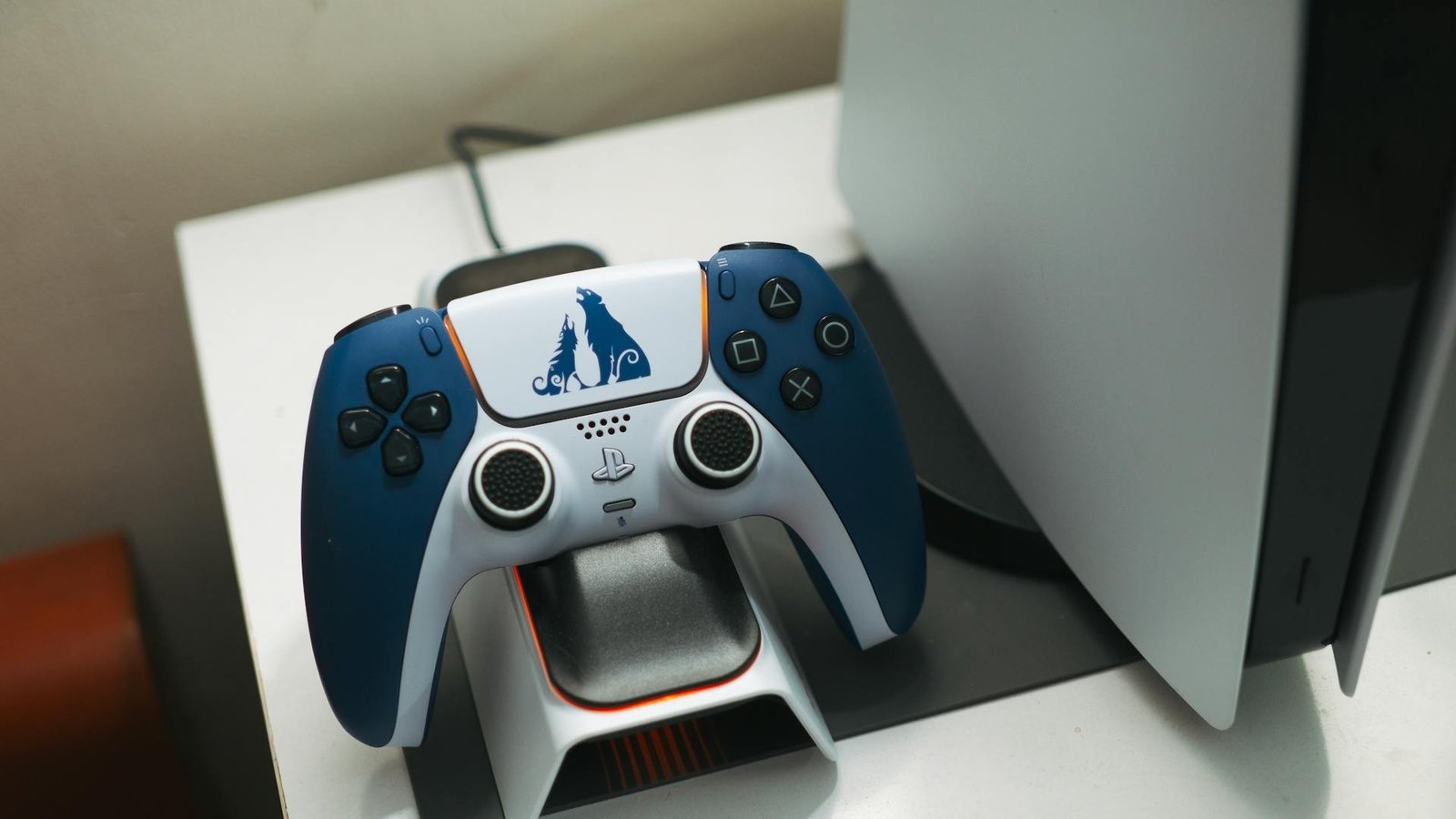
If you’re prepping for hours of GTA VI, your DualSense needs to be in top shape. Stick drift is a real headache, usually caused by dust or debris entering the analog module. To prevent this, use a dry, soft brush to clear the base of the sticks. If buttons start sticking from sweat or snacks—it happens—a tiny amount of 70% isopropyl alcohol on a cotton swab works wonders. Just be gentle.
For battery health, avoid keeping the controller plugged into the console 24/7. Lithium-ion batteries prefer discharge cycles; let it drain partially before charging it back up. Don’t forget to check for controller firmware updates in your PS5 settings menu occasionally; these minor patches often improve connectivity and battery efficiency.
Investing in a dual charging dock is one of the smartest ps5 controller performance tips for Indian players. It keeps your desk clutter-free and ensures one controller is always ready while you use the other. If you’re also into competitive mobile titles, check out Google Play Arena India Registration: How Indian Mobile Gamers Can Compete and Win for tips on managing your hardware for various platforms. A well-maintained controller ensures your experience stays responsive when Leonida calls.
Internet and Cloud Sync Best Practices
When GTA VI finally drops on November 19, you do not want your progress lost to a corrupted save file. Cloud storage is your essential safety net. Ensure your PS Plus sync is set to "Auto-Sync" so every session is automatically backed up. If you are on a fiber connection here in India, check that your PS5’s DNS settings are optimized; using Google’s (8.8.8.8 and 8.8.4.4) often helps stabilize download speeds and connection reliability during peak traffic hours.
For massive open-world titles, a wired connection is non-negotiable. Wi-Fi can lead to packet loss, which spells disaster for multiplayer stability. Plug an Ethernet cable directly into your router to maintain consistent throughput. As noted in hindustantimes.com, keeping your system updated and clean is vital for overall performance, but that won’t save you if your connection drops mid-download.
High ping can kill your multiplayer experience, especially in fast-paced combat. If you are struggling, test your network in the settings menu; you want to see a NAT Type 2 connection. If you are stuck on NAT Type 3, you might need to enable UPnP on your router settings. Do not leave your massive downloads to chance on launch day—pre-download if possible and ensure your connection is rock-solid. A little preparation now prevents a frustrating experience when Leonida finally opens up for everyone.
What to Expect from the November 19 Launch
The November 19 launch for GTA VI is finally on the horizon. While we wait, keep in mind that official rollouts often follow specific regional time zones. If pre-loading becomes available, grab it the moment you can. Indian internet speeds can be unpredictable, and downloading a massive open-world title during peak hours is a recipe for frustration.
Expect the unexpected regarding server traffic on day one. When millions try to access the Rockstar servers simultaneously, minor delays or connection hiccups are almost inevitable. It is a bit like trying to understand data transparency in tech; just as What Is OpenAI Trained On? Why It Stopped Internet Training and What It Means for India reminds us that complex systems have limitations, do not be shocked if the storefront or online services feel sluggish initially.
Here is your final 24-hour checklist:
- Verify your PS5 has at least 150GB of free storage space.
- Ensure your console is set to "Rest Mode" to allow background downloads.
- Disable any unnecessary background app updates to save bandwidth.
- Check your local ISP connection for stability.
Do not stress if the game does not unlock the exact second the clock strikes midnight. Patience is part of the experience. Just ensure your hardware is updated to the latest firmware to avoid compatibility roadblocks. By preparing now, you stay ahead of the launch day chaos. Most importantly, keep your controller charged and ready for a long night.
Watch: The BEST PS5 Settings For Performance (Improve FPS & Lag)
Frequently Asked Questions
Do I need to update my PS5 firmware to play new games like GTA VI?
Yes, you absolutely need to update. Most modern titles check for the latest system version before launching. With the GTA 6 release date set for November 19, Sony will likely make firmware 14.20 or newer mandatory. If you ignore it, you will likely face a "System Update Required" error screen, effectively blocking you from accessing the PlayStation Network and your newest games.
Will installing the latest PS5 firmware affect my console’s performance?
Generally, updates like 14.20 focus on security and system stability rather than changing raw hardware speed. While you might not see an immediate frame rate boost, staying updated is one of the best ps5 performance optimization tips I can give. It ensures your console runs efficiently, fixes background bugs, and prevents potential crashes that often pop up with outdated system software.
How can I tell if my PS5 SSD has enough space for an open-world game?
Head to Settings > Storage. If you have less than 150GB of free space, you are cutting it close for a massive title like GTA VI. Using a compatible M.2 SSD is one of the most effective ssd ps5 performance tips for heavy gamers. If you are running low, delete older titles you aren’t currently playing to maintain system speed.
Are there any risks to the console if I skip a mandatory firmware update?
Skipping updates is not just about missing features; it is a security risk. Sony pushes these to patch vulnerabilities, like the recent exploits surrounding jailbreaks. If you stay on older firmware, you risk getting locked out of the PlayStation Store and online multiplayer. For a smooth launch, just keep your console updated so you aren’t scrambling on release day.
Preparing for November 19: The Road to GTA VI
With the GTA 6 release date officially set for November 19, the excitement in Indian gaming circles is palpable. You don’t need to worry about jailbreak rumors or complex hacks to get your console ready. Instead, focus on learning how to optimize the ps5 performance by keeping your firmware current and your storage clean. If you’re curious about how other platforms are managing their subscription costs while we wait, checking out the Xbox Cloud Gaming India Price: Pay-As-You-Go vs Game Pass might offer some useful perspective on where the market is heading.
My advice? Spend the next few weeks ensuring your console is dust-free and your internet connection is rock-solid. You want every frame to count when you finally step into Leonida. Your best move is to clear out old games to make room for the inevitable day-one update. Keep it simple and enjoy the wait.


Join the conversation