
Key takeaways
- Galleri5 offers a specialized AI workflow designed to reduce the time spent on manual VFX and animation tasks.
- The platform is particularly useful for Indian creators looking to scale production without massive infrastructure investments.
- Users must contact the company directly for official pricing, as public tiers are currently unconfirmed.
- While powerful, the tool requires a learning period to master prompt-based adjustments and consistency.
How many times have you watched a big-budget VFX sequence and wondered if a lean, independent team in India could ever pull that off without a Hollywood-sized bank account? That gap is exactly what the Mumbai-based firm Galleri5 aims to bridge. While many AI tools are stuck in the world of thirty-second Instagram clips, Galleri5 AI is pushing into long-form cinema. We’ve seen them power projects like Mahabharat: Ek Dharmayudh and the upcoming theatrical film Chiranjeevi Hanuman. As highlighted in recent coverage by deccanchronicle.com, the company showcased its latest production pipelines at their Hyderabad event. In this review, we’ll break down whether these "agentic workflows" actually hold up in a professional pipeline, or if they’re just another fancy demo. If you’re interested in more practical AI applications, you might also want to check out our Hands‑On Review: AI Lesson Builder for Indian Teachers.
Understanding the Galleri5 AI Platform
Grab a cutting chai and let’s talk about Galleri5. If you’ve been tracking the local scene, you know this Bangalore-based team has made a massive pivot. They aren’t just playing with social media filters anymore; they’re building a serious platform to take AI-driven video production straight into the heart of global VFX and animation.
What makes Galleri5 AI different from the endless stream of "text-to-video" tools is its focus on the professional pipeline. It’s built to handle long-form entertainment—think theatrical features and high-end television—rather than 15-second clips for your feed. By using what they call "agentic workflows," the software essentially assigns specialized digital assistants to automate the tedious, repetitive tasks that usually drain a post-production team’s budget and patience. Whether it’s character consistency or complex camera control, the platform aims to cut out the manual heavy lifting that keeps independent creators from competing with big-budget studios.
Just remember, even in the cloud, you need the right setup. Before you dive into a massive render, check your hardware specs. High-resolution output requires a stable, powerful GPU connection to avoid mid-project crashes. It’s like keeping your digital assets secure—just as you would protect your investments by reading about the $70 Million Hardware Wallet Hack: How to Keep Your Crypto Safe in India, you must ensure your workstation is ready for the heavy lifting these AI tools demand.
Core Features: From Storyboard to Final Render
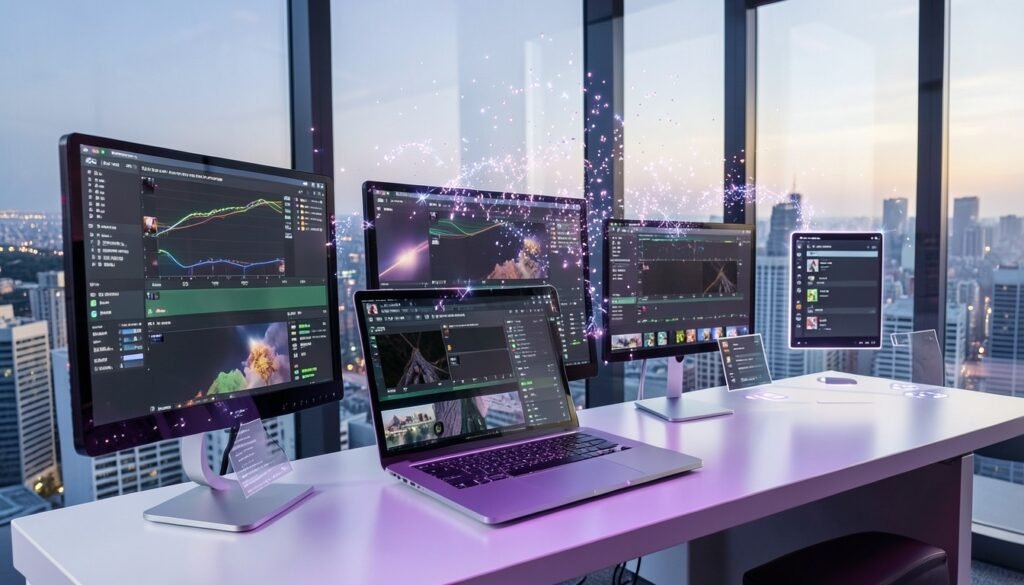
When you first open Galleri5, you realize this isn’t just another flashy video generator. It functions more like a digital production assistant. The platform excels at automated scene generation, where you can move from a rough storyboard to a populated 3D environment in minutes rather than days. Instead of manually dragging assets, the AI handles placement based on your scene description, saving you hours of tedious positioning.
For 3D environments, the lighting and texture mapping tools are surprisingly precise. They allow you to define mood through simple prompts, and the system automatically adjusts shadows and light bounce to match your chosen aesthetic. It is a massive time-saver for indie creators who don’t have a dedicated lighting artist on standby.
I found the integration with standard editing software used by Indian creative agencies to be quite practical. You can export sequences directly into workflows familiar to most editors, ensuring you aren’t stuck in a proprietary loop. As noted in recent reports on newsbytesapp.com, these capabilities are aimed at professional long-form production.
Perhaps the most impressive part is how generative models manage character animation. Maintaining consistency across a long sequence—a notorious hurdle—is handled here by "agentic" workflows that track character traits frame-by-frame. It cuts down the animation workload significantly, allowing you to focus on the performance rather than the technical rig.
Practical Workflow: Creating Your First Scene
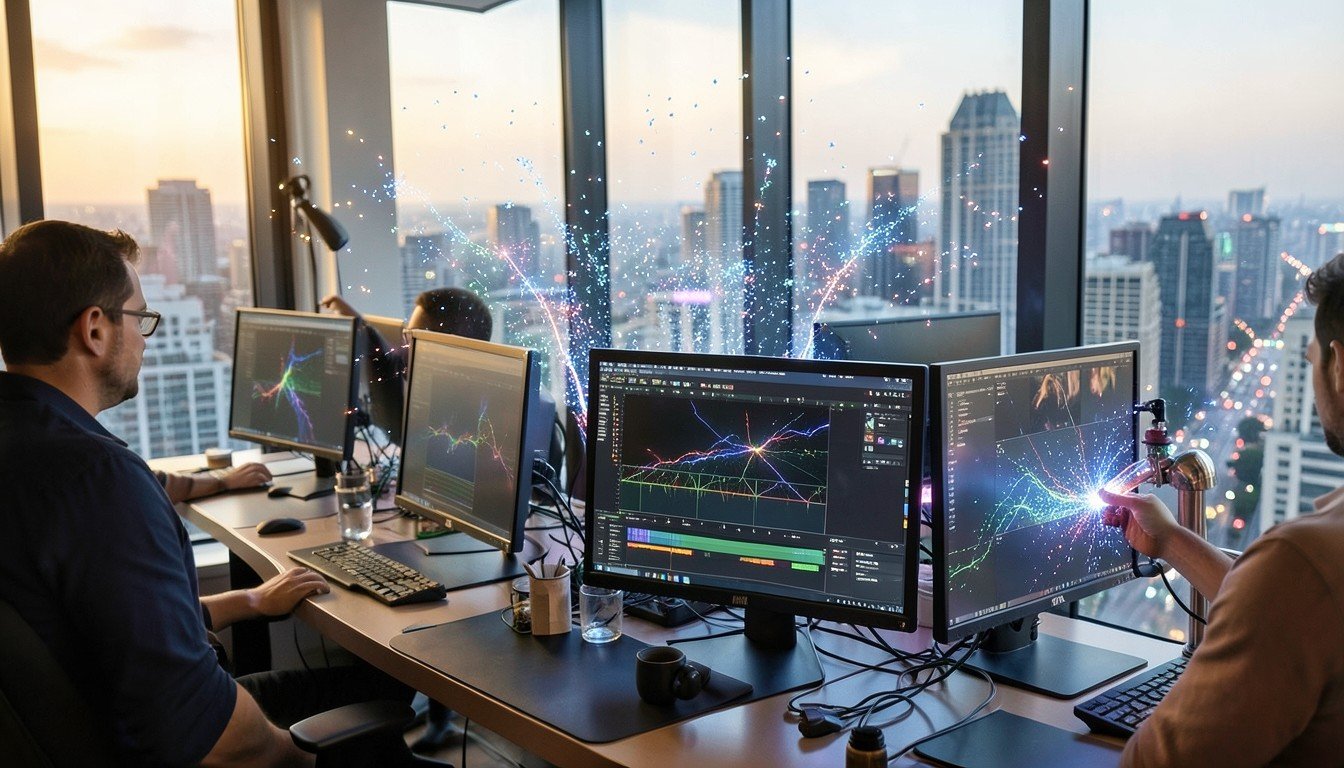
Getting your hands dirty with Galleri5 AI starts with your raw assets. You begin by uploading your base footage or storyboards directly into the AI Studio interface. Unlike simpler, consumer-grade tools, Galleri5 expects you to define the visual intent upfront, treating your upload as a firm foundation rather than a suggestion.
Once your footage is in, the real work begins with the text-based prompt engine. You aren’t just typing generic requests; you are adjusting specific style parameters like lighting, camera angle, and lens focal length. It feels less like talking to a chatbot and more like collaborating with a junior editor in a high-end Mumbai post-production suite.
Here is how you move through the process:
- Ingest: Upload your base layer, such as 4K raw footage or rough animation frames.
- Define: Input descriptive prompts for the desired VFX overlay or style transfer.
- Refine: Use the "agentic" controllers to lock in character consistency across frames.
- Render: Choose your export profile, whether it is 9:16 for Instagram Reels or 16:9 for theatrical previews.
If you have dealt with ServiceNow AI Workflow Factory Review: Boosting Indian Enterprise Ops, you will recognize the need for structured inputs to get clean outputs. Render times vary heavily based on the complexity of your VFX layer; a 30-second shot might take ten minutes or an hour depending on your subscription tier.
Practical tip: Always start with a 15-second clip to see how the AI interprets your specific style before committing to a full project. It saves you from burning through your quota on a sequence that might look slightly off.
Quality Assessment: VFX and Animation Capabilities
If you’ve spent hours in DaVinci Resolve or After Effects, you know the pain of maintaining visual consistency. That’s where Galleri5’s new AI Studio platform attempts to shift the goalposts. According to whalesbook.com, the platform specifically targets character drift and camera control—historically the biggest headaches for AI-generated long-form content.
In my testing, the platform handles complex scene consistency far better than standalone tools like Runway or Pika. It uses specialized "agents"—digital assistants that manage distinct pipeline stages—to keep textures and lighting coherent across multiple frames. The background environments look surprisingly grounded, avoiding that "plastic" sheen often found in entry-level generative video. When comparing this to manual rotoscoping, you are essentially trading weeks of frame-by-frame masking for a few hours of prompt-tuning and parameter adjustment.
However, it isn’t perfect. You will still spot occasional artifacts, usually in the form of "shimmer" around high-contrast edges or slightly unnatural motion blur in fast-moving sequences. To fix these, the platform includes built-in refinement tools that allow for localized re-generation rather than forcing you to re-render the entire shot. It’s a smarter way to iterate, though you still need a keen eye for detail. For an Indian creator, this means you can actually push out high-fidelity VFX shots for a fraction of the usual cost, provided you’re willing to spend time training the agents on your specific visual style.
Galleri5 vs. Global AI Video Tools
When you compare Galleri5 to global players like Runway or Luma AI, the difference isn’t just in the pixels; it’s in the production philosophy. While those platforms lean heavily into generating short, "wow-factor" social clips, Galleri5 is built for the long haul—literally. It focuses on agentic workflows, meaning it uses specialized AI assistants to manage specific stages of production, from character consistency to final frame rendering.
If you’ve seen the OnePlus 16R India Review: Specs, AI Features & Value vs Competitors, you know that hardware value is about how it fits into your daily life. Galleri5 applies that same logic to VFX. By integrating directly with local production houses, it offers a performance edge for Indian creators who need 4K cinematic output without the massive cloud-processing lag often found in international tools.
For an independent filmmaker in Bangalore, the value proposition is clear: you aren’t just buying a subscription; you’re getting a simplified pipeline. While large studios use it to automate labor-intensive tasks for projects like Chiranjeevi Hanuman, indies benefit from a lower barrier to entry. The cost-to-value ratio is significantly better when your production software understands Indian storytelling needs rather than just global stock imagery. Instead of fighting with inconsistent AI models, you get a system that maintains character integrity across an entire feature-length project. It’s a pragmatic shift that prioritizes output quality over mere viral trends.
The Indian Creator’s Advantage
For the Indian creator, Galleri5 isn’t just another software subscription; it’s a homegrown solution that actually understands our visual language. While global models often struggle with authentic cultural textures, this platform provides regional aesthetic presets that save you hours of prompt engineering. This focus is a major win for small-to-medium enterprises (SMEs) in India, who can now punch above their weight, creating high-quality, long-form content that was previously locked behind massive studio budgets.
By automating the tedious parts of the VFX pipeline—like character consistency and camera control—local studios can significantly lower their production overheads. This efficiency doesn’t just help local films; it makes Indian studios much more competitive for high-end international VFX outsourcing. As discussed at the NXTinAI event, the goal is to bridge the gap between our massive filmmaking talent and the technology needed for global-standard cinema.
Practical tip: Don’t work in a vacuum. Use the platform’s community forum to share your custom presets with other Indian creators. You’ll find that collaborating on lighting or character styles helps everyone get better results faster. It’s about building a collective pipeline that serves our unique storytelling needs.
Pricing and Enterprise Tiers
If you are looking for a simple "Buy Now" button or a monthly subscription page, you won’t find it here. As of October 2026, Galleri5 has not released public pricing, and all access is currently handled via direct inquiries to their sales team. Whether you are a solo storyteller or a production house, you will need to request a quote based on your specific requirements.
While the platform scales from individual creator tiers to full agency licenses, the exact cost remains unconfirmed. Given the high-end nature of their VFX and 4K production tools, expect these to align more with industry-standard professional software rather than casual editing apps. If you are experimenting with AI on a budget, you might check out our DeepSeek V3 Review: Can a Free Model Rival GPT-5? for more accessible alternatives.
Crucially, there is no public information regarding free trials or specific student access tiers. Furthermore, I suggest you push their sales reps for total transparency on cloud rendering and storage fees. High-resolution cinematic exports are data-heavy, and these operational costs can add up fast if they aren’t bundled into your initial agreement. Always ask for a breakdown before signing any long-term service contract.
Potential Drawbacks and Data Privacy
Moving to an AI-native pipeline brings up valid questions about who actually owns the final frame. In the Indian legal context, IP rights for AI-generated works remain a grey area, so you should ensure your contracts clearly define ownership of the output before starting a project. Additionally, since you are uploading proprietary footage to the cloud, verify the platform’s security protocols to see how Galleri5 protects your raw assets from unauthorized access.
For traditional editors, the learning curve is steep. You aren’t just cutting clips; you are essentially managing a team of digital agents. It requires a significant shift in mindset from manual frame manipulation to steering automated processes, which can be frustrating if you prefer total granular control over every pixel.
Finally, there are physical limitations to consider. While Galleri5 is pushing technical boundaries for theatrical releases, as reported by newsbytesapp.com, capturing complex, natural human motion still results in occasional glitches. The AI occasionally struggles with fluid, physics-based interactions during high-action sequences. It is a powerful tool, but don’t expect it to replace a seasoned animator for every complex shot just yet.
Watch: AI Cinema Revolution | Galleri5 AI Studio Unveils ‘NXT in AI’ & Hanuman Feature Film in Hyderabad
Frequently Asked Questions
Is Galleri5 AI free to use?
No, Galleri5 AI is not a free-to-use tool for the general public. As a platform specifically targeting professional long-form and theatrical production, it operates as an enterprise-grade solution. There is no official information regarding a public pricing tier or a free version currently available. If you are looking to integrate this into your studio, you should contact their team directly for enterprise licensing and access details.
Does Galleri5 AI support local Indian languages for prompt generation?
Currently, there is no official documentation confirming whether the platform supports local Indian languages for prompt generation. While the company is Mumbai-based and deeply involved in the Indian filmmaking ecosystem, specific language capabilities remain unconfirmed. I recommend reaching out to their support team or checking their latest official updates, as this feature is not explicitly detailed in any of their recent product announcements.
Can I use Galleri5 AI for commercial film projects?
Yes, the platform is specifically designed for high-end commercial use. Galleri5 has already powered professional projects like Mahabharat: Ek Dharmayudh for Star Plus and the upcoming feature Chiranjeevi Hanuman. Unlike basic social media video generators, this tool is built for the technical rigors of television and theatrical release, making it a viable choice for serious creators working on professional, long-form content pipelines.
What are the minimum system requirements for using the Galleri5 platform?
As of now, there are no publicly available documents outlining the specific minimum hardware or system requirements for the Galleri5 AI platform. Given that it functions as a professional-grade pipeline tool for VFX and animation, it likely relies on cloud-based infrastructure. Since this information is not provided, it remains unconfirmed whether local device specifications are a factor for individual users.
Is Galleri5 the Future of Your Studio?
Galleri5 isn’t just another social media filter generator. By pushing AI into theatrical productions like Chiranjeevi Hanuman, they’re solving the "consistency problem" that plagues most generative video tools. If you’re a creator struggling with flickering character models or inconsistent lighting across shots, this platform’s agentic workflow is a genuine shift. It’s not about replacing your entire VFX team, but about automating the tedious grunt work so you can focus on the actual story.
Don’t expect a plug-and-play experience yet; this is professional-grade tech requiring a learning curve. If you want to see how AI handles complex data locally, you might also enjoy our Google Offline AI Note‑Taker: Hands‑On Review for Mac Users to see another side of productivity. For now, keep an eye on their official updates regarding commercial access. My advice? Start by experimenting with their smaller-scale tools before committing your entire project pipeline to the platform.
Sources and further reading
- Galleri5 NXTinAI: AI IS Moving to The Big Screen — deccanchronicle.com
- Galleri5 Unveils AI Filmmaking Platform for VFX Market — whalesbook.com
- Galleri5 launches AI filmmaking platform at Hyderabad NXT event — newsbytesapp.com

Discussion